
Name-Based St. Joseph Case Searches
The public MyCase search opens with three tabs: Case, Name, and Attorney. The Name tab needs a last name to run. A first name, middle name, or birth date can narrow things, though none works alone. A business name can stand in for a last name. The form will not take both at once.
- Choose the Name tab and enter the last name or business name.
- Add first or middle name only when it helps distinguish results. Use birth date with care and only with a last name.
- Limit the court to St. Joseph County. Pick St. Joseph County - Walkerton Town Court when the matter belongs to 71I01.
- Select Criminal & Citation, Civil, Family, or Probate when the category is known.
- Run the search, pass any CAPTCHA, and compare the court, style, file date, type, and status before opening a result.
The exact official form is visible in the MyCase search template.
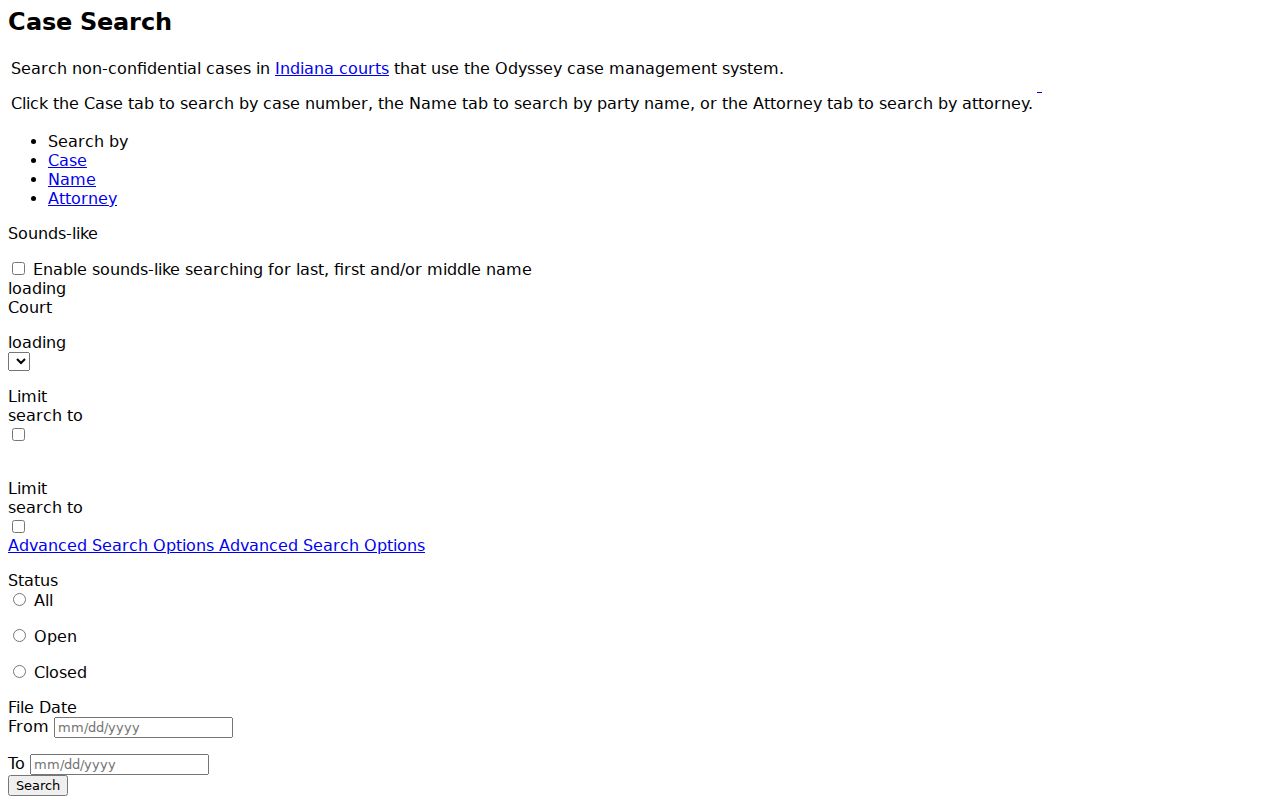
The form itself shows the point. Choosing the right tab and court beats piling every known fact into one box.
St. Joseph MyCase Search Fields
Each tab enforces its own validation rules. Extra fields can sharpen a St. Joseph County docket search, but an invalid combination stops the query before results load.
| Tab | Core field | Useful limits |
|---|---|---|
| Case | One case number, citation number, or cross reference | Court, category, status, and file-date range |
| Name | Last name or business | First, middle, birth date, sounds-like, court, and category |
| Attorney | Last name or bar number | First, middle, court, status, and date range |
Sounds-like catches close spellings of a person's name. A wildcard works only at the end of a field, after letters or numbers. You cannot pair the two in one search. The official MyCase search tips also suggest picking a court to trim broad results.
St. Joseph Case Number Searches
Nothing beats an exact case number. Indiana's uniform number packs in the county, court, filing year and month, case type, and sequence. Take 71D03-2608-F6-000123: county code 71 comes first, then the Superior Court letter and division, the date block, the felony level, and the filing sequence. Circuit numbers begin 71C01; Probate begins 71J01.
Under the Case tab, enter just one of case number, citation number, or cross reference. MyCase tips note that hyphens and leading zeros are optional. The fully formatted number is safest. For 71I01, use the separate Walkerton entry. A miss means checking each digit against your notice. A city administrative citation may not have reached state court yet.
Odyssey Behind St. Joseph Dockets
Odyssey is the case-management system that participating Indiana courts run on. Clerks record CCS events there, and MyCase publishes the public slice. The Indiana Odyssey overview spells out that architecture.
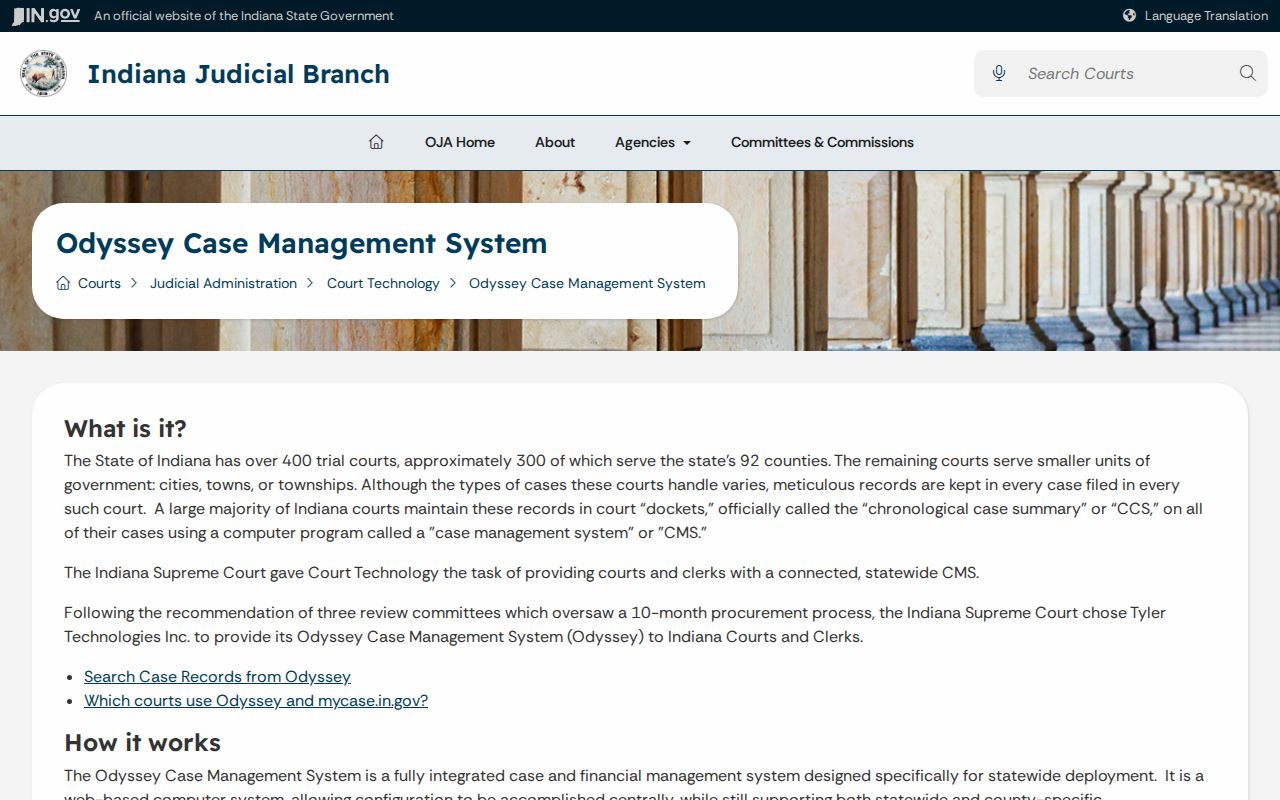
The line matters. A MyCase result is a public view drawn from Odyssey, while the filing court and the Clerk hold the official St. Joseph County record.
E-filing works differently. Attorneys and parties submit papers, service details, confidential flags, and payment data through approved providers. Those filings feed the case system. The public reads MyCase and calls the Clerk; no one enters the e-file workspace just to browse a court docket.
Case Search Results Explained
A result row is only a starting point. Confirm the county court and case type before relying on any summary. Common public fields include:
| Case number and court | The official routing code and assigned Circuit, Superior, Probate, or Walkerton court. |
|---|---|
| Case type | The Indiana code for the kind of civil, criminal, family, probate, or citation matter. |
| Status and status date | Whether MyCase lists the matter as open or closed and when that status was set. |
| File date and style | When filing began and the public case caption. |
| Events | CCS entries for filings, notices, hearings, orders, disposition, and other activity. |
| Documents and financial data | Files and balances made available for that case and audience, which may be incomplete or stale. |
Other sections may list parties and roles, attorneys, charges, bonds, related cases, cross references, and an appear-by date. A field showing up does not mean every document in the file is public.
Narrowing a St. Joseph Search
Advanced Search adds status filters of Open, Closed, or All, plus file-date boundaries. Pick a basic tab first, then refine. A broad St. Joseph County name search can hit the 1,000-result cap. Results arrive in pages. Sorting runs by case number, file date, style, or status date.
A last name, St. Joseph County, and a short file-date range usually suffice. Add the case category if you know it. "Commercial" is not a general case type. It appears only as a limit where that court participates. A CAPTCHA guards against mining, and current Chrome, Firefox, or Edge resolves most browser trouble. Note: repeated automated requests are barred, and compiled data goes through the Indiana Office of Judicial Administration's Rule 9(F) process.
County and State Search Paths
MyCase serves two roles at once. It is the statewide public layer and St. Joseph County's main online case-search route, while the county page adds local daily dockets and division contacts. Each answers a different question.
| Route | Best use | Limit |
|---|---|---|
| MyCase | Name, number, attorney, event, and some document searches | Nonconfidential Odyssey material only |
| County Courts page | Daily Circuit or Superior schedule and local court routing | Not a full statewide case index |
| Clerk or filing court | Official files, current balances, copies, and older papers | Requires the right division and request method |
| Archives | Historical records transferred to the county center | Not the source for a current case file |
The short MyCase address reaches the same official public service.
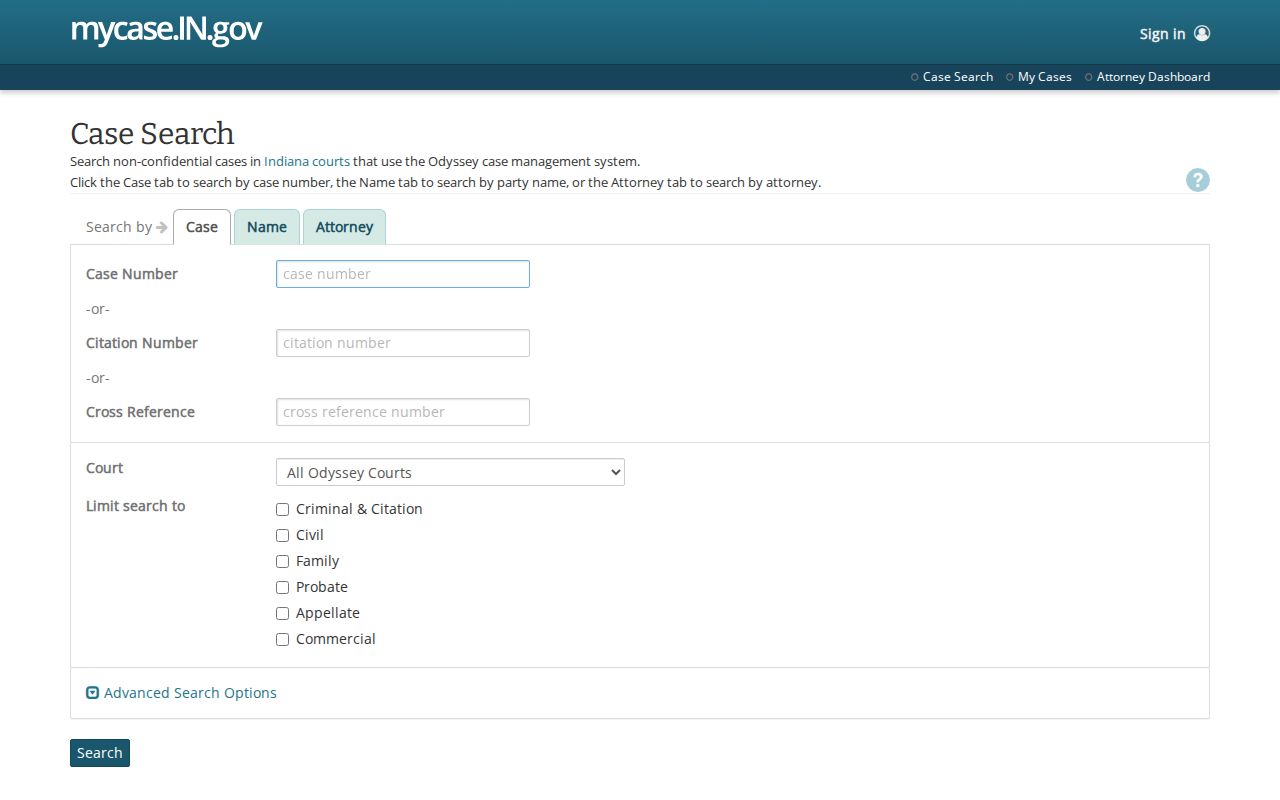
Apply the county filter after entry. That keeps similarly named parties from other Indiana courts out of your results.
MyCase Is Not the Official Record
Read the fine print. The MyCase terms warn that data can carry errors or omissions, and that current financial facts must come from the clerk.
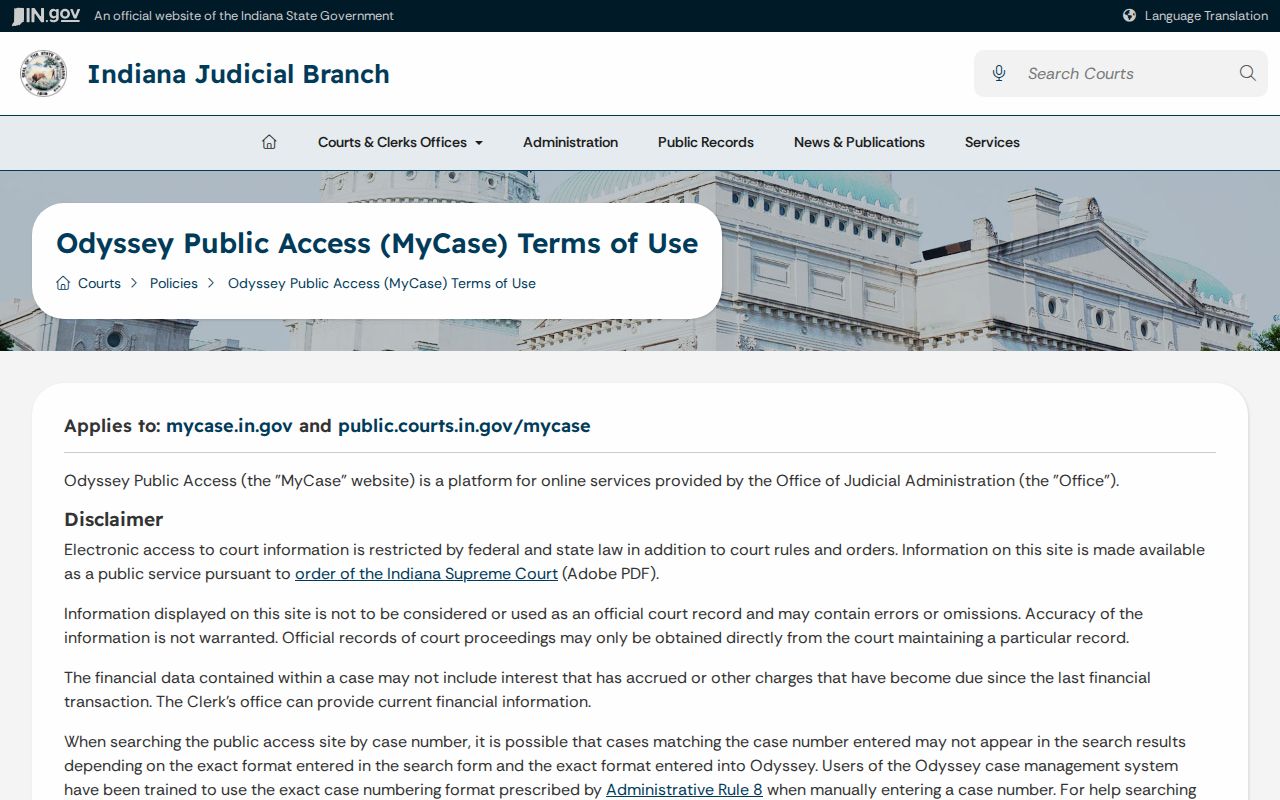
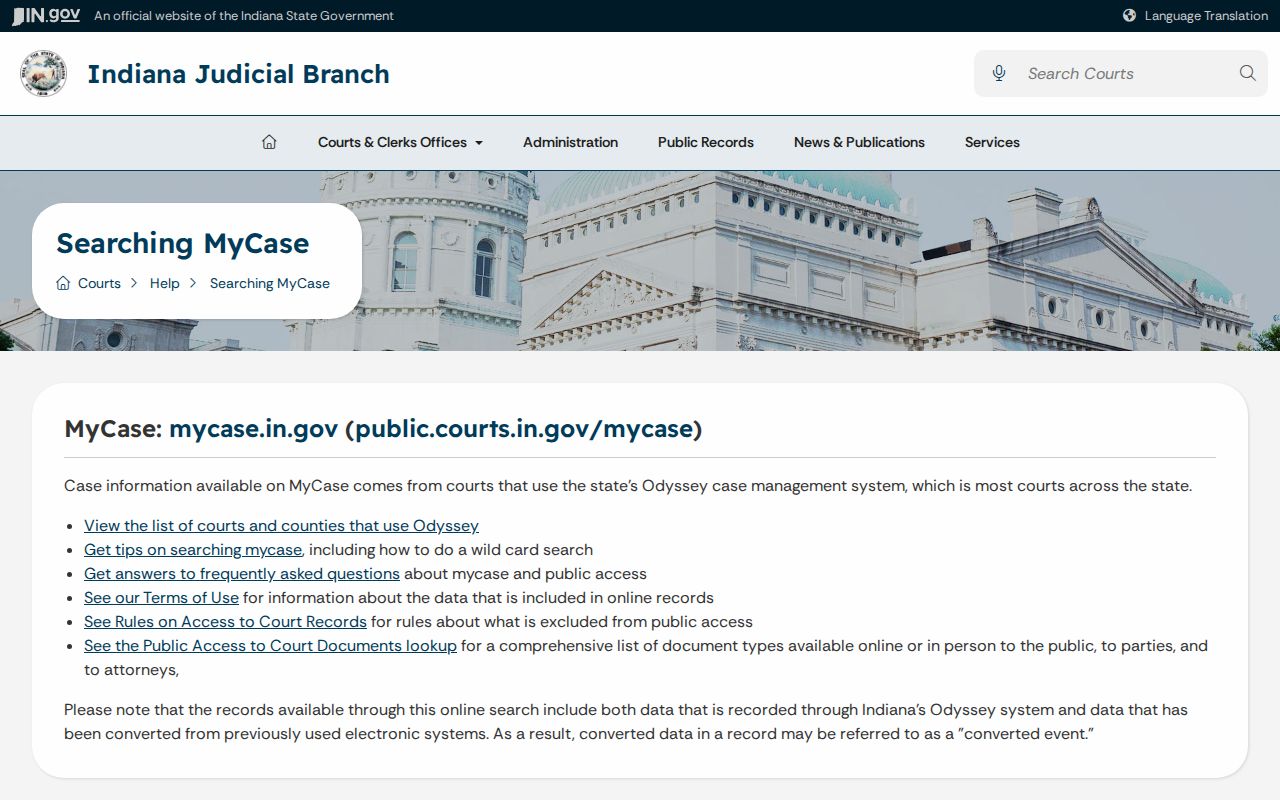
A missing PDF proves nothing. The paper may exist but be unavailable remotely, confidential, older, or simply not digitized. The MyCase help center lays out public, party, and attorney access.
Public users should never try a party access code. Nor should they assume an attorney's view is open to everyone.
Which St. Joseph Cases Stay Restricted
Some St. Joseph County cases never show up in a docket search at all. Indiana Access to Court Records Rule 5 keeps whole groups out of public view: sealed files, mental-health matters, confidential juvenile CHINS and termination cases, protected personal information, treatment records, and some historic paternity records. Protection-order cases sit in a separate state search, since normal MyCase results do not return the protected identifiers involved.
An empty result screen has other causes too. The court code may be mistyped, the file may come from a non-Odyssey source, CAPTCHA trouble may block the search, the matter may be expunged. Or the case may simply be older. Keep one distinction clear: sealed is a legal status, not another word for closed or old. For an excluded record, Rule 9 offers a verified extraordinary-access process, with notice, a possible hearing, and findings. The filing court controls that process.
A case shell can stay public while a single document is withheld. That public shell never reveals the protected text. Ask the Clerk which access rule applies. Staff can point you to the rule. They will not interpret the law or advise you on how to seek access.
Older St. Joseph Files Offline
If a known public case is missing or has no images, call the Clerk at 574-235-9635. Name the filing court. Ask where the file can be reviewed. Also ask whether a copy request can go by mail, fax, or another approved channel. The county does not promise a public workstation, so ask at the counter what access is offered.
Older files often route to the St. Joseph County Archives and Records Center. It sits at 1140 S Lafayette Boulevard. Archives uses online genealogy and divorce forms and can scan, email, or mail open noncertified copies where possible. Certified copies stay with the Clerk. The county APRA form serves the agency custodian named on the request. It does not override judicial confidentiality.
Archives has indexed South Bend divorces from 1832 through 1984 and estates from 1832 through 1988. Mishawaka divorce indexes run 1980 through 1990, and estate indexes run 1981 through 1995. An index entry is only a finding aid, not proof that the full file is public or complete. When you contact Archives, give the approximate event date, names, cause number if known, and document type.
Do not start a current St. Joseph County docket search at Archives just because the case is closed. MyCase status and file age say nothing about where custody of the record sits. Ask the filing Clerk first. If the Clerk sends you to Archives, call 574-235-9091 before visiting. Research hours run narrower than the building's full public hours. Advance contact helps staff pull the right collection.